About Course
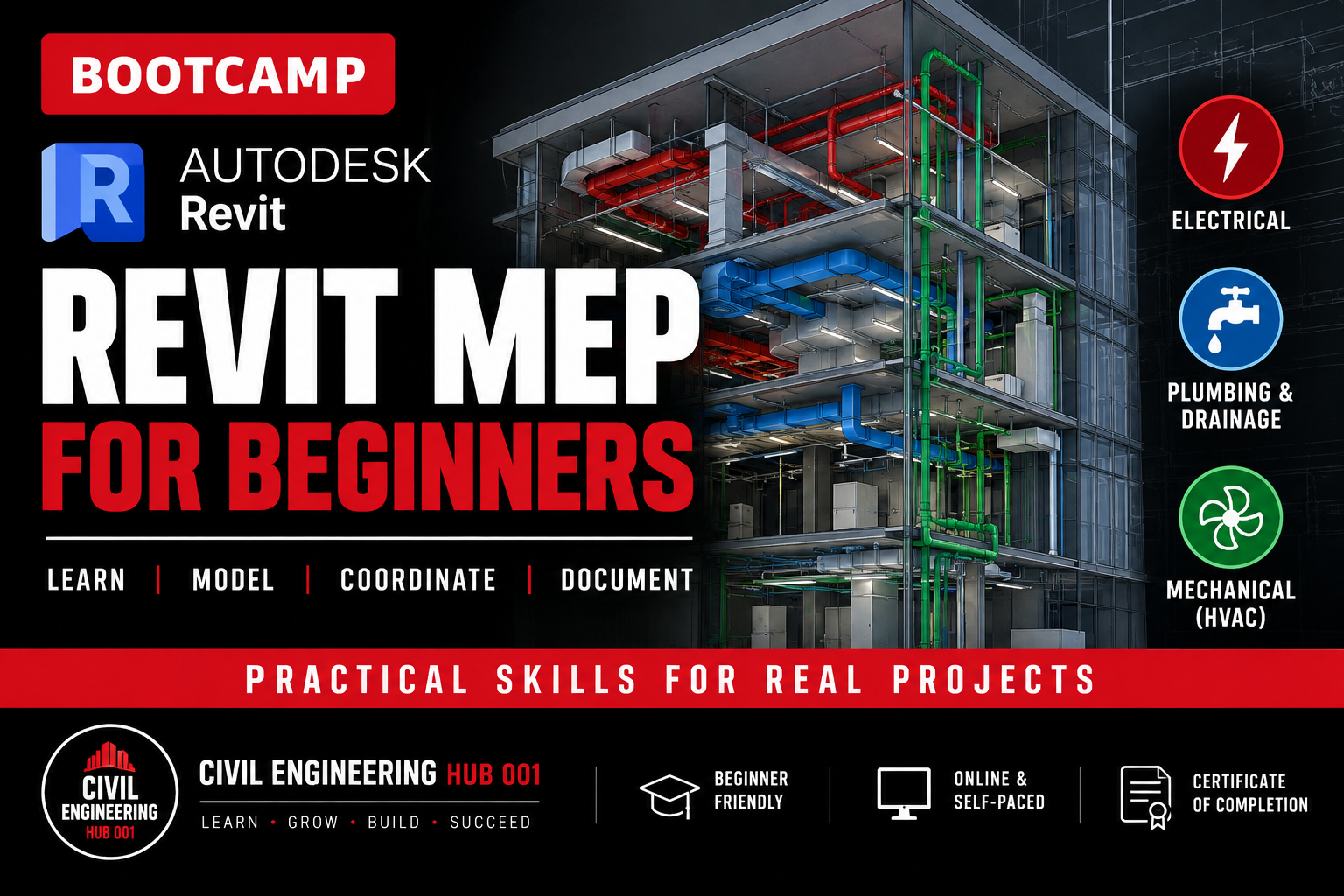
Revit MEP Training for Beginners 2026 is an 8-week practical training program designed to introduce learners to Building Information Modelling (BIM) workflows for Mechanical, Electrical and Plumbing systems using Autodesk Revit.
Throughout 16 structured modules, learners will progressively develop practical skills across three major Revit MEP disciplines: Electrical, Plumbing & Drainage, and Mechanical (HVAC).
The training covers project setup, electrical systems, lighting and power, plumbing and drainage systems, HVAC systems, MEP documentation, schedules, multidisciplinary coordination and basic clash detection.
This is a practical training program. Learners are expected to follow along in Revit, practise the demonstrated workflows, complete quizzes and undertake practical assignments throughout the course.
How the Training Works
The course is fully online and follows a structured self-paced learning system. Two modules are released each week through your Civil Engineering Hub 001 student dashboard.
Each module is followed by a quiz and practical assignment to reinforce what you have learned. Practical assignments are submitted through the learning platform for instructor review and feedback.
A Live Q&A session is also held every Saturday at 8:00 PM EAT, giving learners an opportunity to ask questions and receive clarification on the week’s modules and practical work.
Course Details
• Duration: 8 Weeks
• Modules: 16
• Mode: Online & Self-Paced
• Practical Assignments
• Module Quizzes
• Instructor Review & Feedback
• Weekly Live Q&A Sessions
• Civil Engineering Hub 001 Certificate of Completion
Main Areas Covered
• Electrical Design
• Plumbing & Drainage
• Mechanical (HVAC)
• MEP Documentation
• Multidisciplinary Coordination
• Basic Clash Detection
The goal of this training is not simply to teach learners where different Revit tools are located, but to develop an understanding of the workflow involved in modelling, documenting and coordinating building services within a BIM environment.
Course Content
Module 1: Getting Started with Revit MEP
-
Lesson Files
-
Introduction to BIM and Revit MEP interface
22:46 -
Understanding Mechanical, Electrical and Plumbing disciplines
08:12 -
Linking and coordinating with architectural/structural models
11:25 -
Setting up levels, grids, and views for MEP work
00:00 -
Units, project parameters, and MEP settings configuration
00:00 -
QUIZ
-
MODULE 1 PRACTICAL ASSIGNMENT
Module 2: Electrical design Foundations
Module 3: Lighting Design
Module 4: Power Systems
Module 5: Documentation
Module 6: Plumbing and Drainage Foundations
Module 7: Sanitary and Fixture Placement
Module 8: Piping Systems
Module 9: Drainage & Storm Systems
Module 10: MEP Annotation and Construction Documentation
Module 11: HVAC design Foundations
Module 12: Spaces and Zones
Module 13: Mechanical Equipment and Duct system
Module 14: Piping for HVAC (Hydronic Systems)
Module 15: Analysis and Documentation
Module 16: Fire Protection Setup and System Foundations
Module 17: Fire Protection Pipework and Equipment
Module 18: Sprinkler System Modeling
Module 19: Fire Protection Documentation
Module 20: Multidisciplinary Coordination
Student Ratings & Reviews