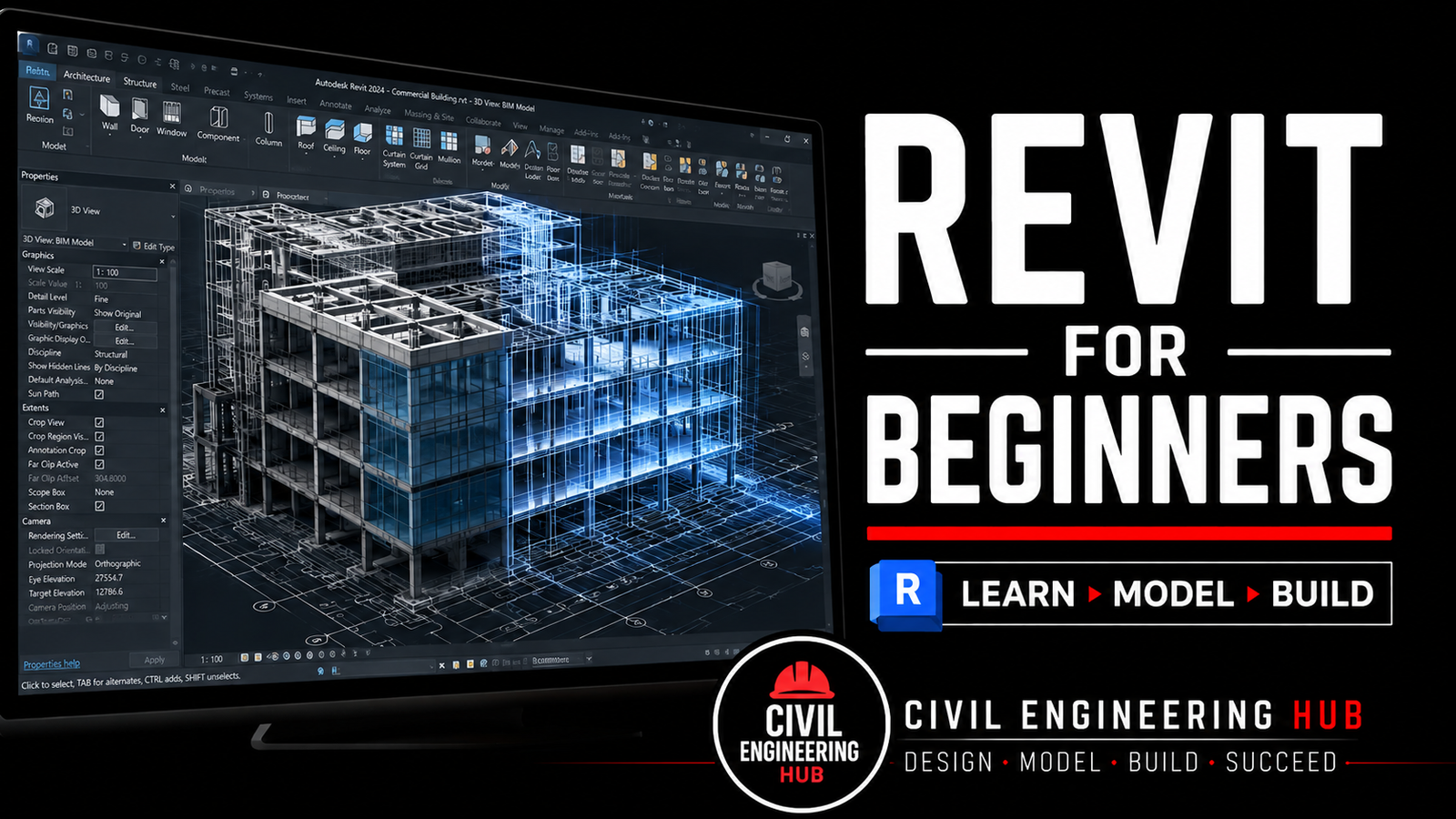
Revit For Beginners Bootcamp Training

Wishlist Share

About Course

This Revit for Beginners Online Bootcamp is a hands-on, industry-oriented training designed to introduce learners to Building Information Modeling (BIM) using Autodesk Revit from the ground up.

This course is built for absolute beginners who want to move beyond theory and start working the way real architects and BIM professionals do. The focus is simple: understand the workflow, model correctly, and produce professional outputs.

The training blends core BIM concepts with step-by-step practical modeling, ensuring learners don’t just click buttons but understand why things are done a certain way in Revit. By the end of the bootcamp, learners will have the confidence to set up projects properly, model architectural elements accurately, and generate drawings and schedules that meet basic industry standards.

This is not a shortcut course. It’s a solid foundation program designed to set you up for advanced Revit, BIM coordination, and real project work.


Course Duration

  • Total Duration: 5 Weeks

  • Fully online

  • Structured modules with practical demonstrations and exercises


Learning Outcomes

By the end of this bootcamp, learners will be able to:

  • Understand BIM fundamentals and how Revit fits into the architectural workflow

  • Navigate the Revit interface with confidence

  • Properly set up architectural projects from scratch

  • Model key architectural elements accurately (walls, floors, doors, windows, roofs, etc.)

  • Create and manage views, sheets, and annotations

  • Generate professional drawings and schedules

  • Compile a complete beginner-level architectural Revit project


Who This Course Is For

  • Architecture students

  • Civil and construction students

  • Fresh graduates

  • Site engineers and technicians transitioning into BIM

  • Anyone starting their Revit and BIM journey


What This Course Is Not

  • Not a theory-only class

  • Not a shortcut to mastery

  • Not a software click-through without understanding

This bootcamp is about building real skills, real confidence, and a strong BIM foundation.


Show More

What Will You Learn?

  • In this bootcamp, you will learn how to use Autodesk Revit Architecture from a beginner level to a confident user through a structured, step-by-step approach based on real construction workflows used in the industry.
  • The course starts with the fundamentals of Building Information Modeling (BIM) and gradually moves into practical architectural modeling, documentation, and professional project setup. Each module is designed to build on the previous one, ensuring you gain both theoretical understanding and hands-on skills.
  • During this training, you will learn:
  • • Introduction to BIM and how Revit is used in modern construction projects
  • • Understanding the Revit interface and project environment
  • • Proper project setup using levels, grids, and templates
  • • Creating and editing walls, floors, doors, windows, and roofs
  • • Working with curtain walls and basic façade systems
  • • Creating elevations, sections, and different types of views
  • • Dimensioning, annotations, and basic detailing
  • • Creating sheets and preparing professional drawings for presentation
  • • Introduction to schedules and basic project documentation
  • • Practical workflow used in real architectural projects
  • • How to organize a Revit project correctly from start to finish
  • You will also complete quizzes and practical assignments in every module to help you track your progress and strengthen your understanding.
  • By the end of the course, you will be able to confidently model a basic architectural project in Revit and understand the workflow used in real BIM-based construction projects.

Course Content

Module 0: Introduction To The Bootcamp
This Revit for Beginners Online Bootcamp is a hands-on, industry-oriented training designed to introduce learners to Building Information Modeling (BIM) using Autodesk Revit from the ground up. This course is built for absolute beginners who want to move beyond theory and start working the way real architects and BIM professionals do. The focus is simple .. understand the workflow, model correctly, and produce professional outputs. The training blends core BIM concepts with step-by-step practical modeling, ensuring learners don’t just click buttons but understand why things are done a certain way in Revit. By the end of the bootcamp, learners will have the confidence to set up projects properly, model architectural elements accurately, and generate drawings and schedules that meet basic industry standards. This is not a shortcut course. It’s a solid foundation program designed to set you up for advanced Revit, BIM coordination, and real project work.

  • Introduction To the Bootcamp
    11:34
  • Lesson Files

Module 1: Introduction to Revit & BIM

Module 2: Project Setup, Levels & Grids

Module 3: Walls, Floors, Roofs & curtain systems

Module 4: Doors, Windows & Families

Module 5: Stairs & Railings

Module 6: Views, Sections, Drafting, and View Management.

Module 7: Annotation & Dimensions

Module 8: Sheets & Documentation

Module 9: Schedules, Legends & Quantities

Module 10: 3D Views & Rendering Basics

Module 11: Exporting & Printing

FEEDBACK FORM

CERTIFICATE OF COMPLETION

Student Ratings & Reviews

No Review Yet
No Review Yet