
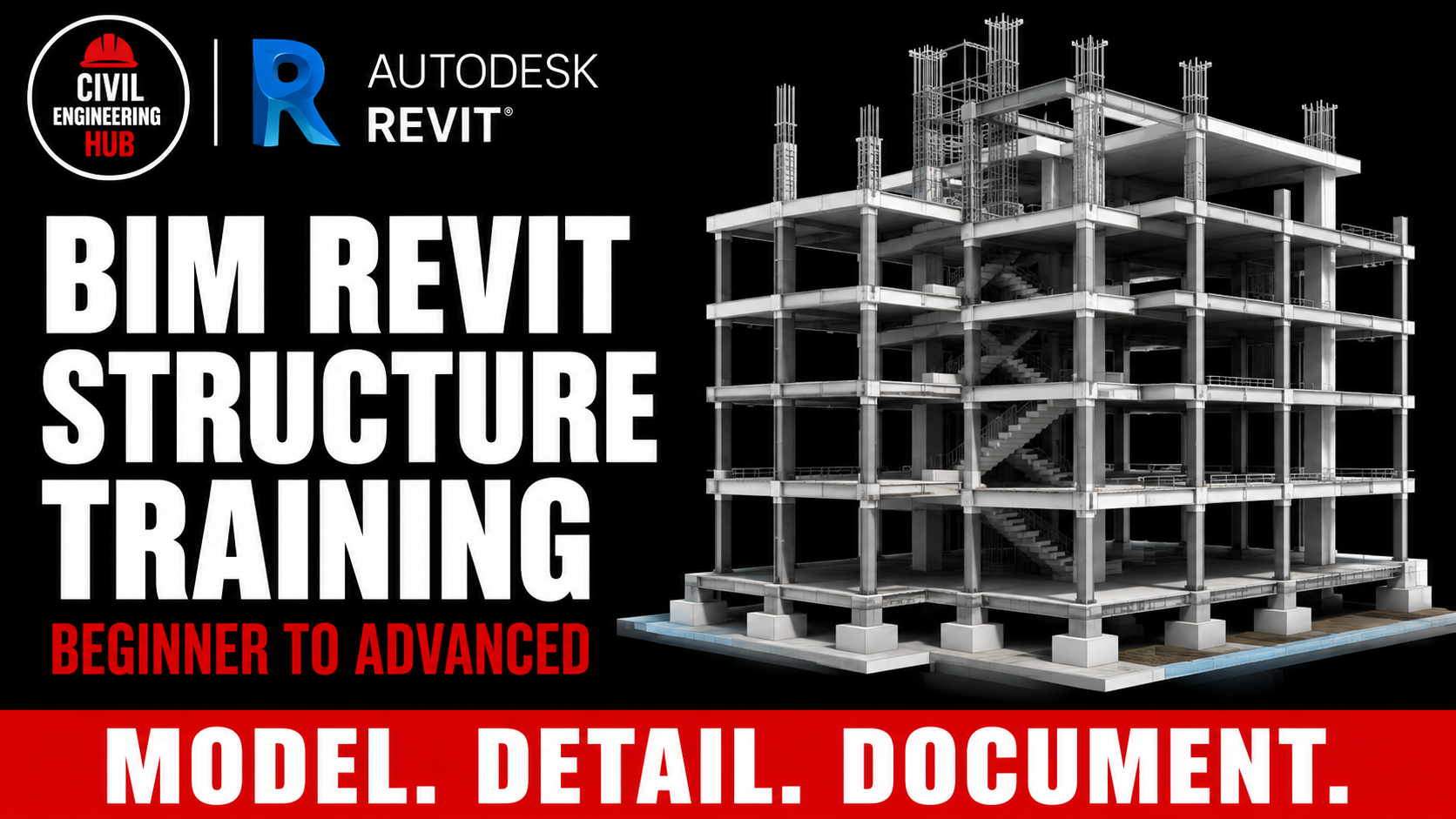
BIM Revit Structure Training II Beginner to Advanced

Categories: Revit
Wishlist Share

About Course

This course takes you through the complete beginner workflow in Autodesk Revit Structure across 20 structured modules. You will learn BIM fundamentals, set up structural projects, model all core structural elements, work with custom families, place rebar and reinforcement, and produce professional structural documentation.

Every module is paired with a practical assignment and a quiz, so you are not just watching; you are building real skills with every session.

By the end of this course, you will be project-ready in Revit Structure.

Course Duration: 8 Weeks

Total Modules: 20

Course Requirements:
A laptop with Autodesk Revit installed. A stable internet connection. No prior experience with Revit is required.

What Will I Learn (Bullet points for Tutor LMS):

  • Set up a structural project using the correct Revit template
  • Draw and manage levels and grids
  • Model structural columns in concrete and steel
  • Create beams, beam systems, and joists
  • Build custom structural families
  • Model braces, trusses, and metal deck systems
  • Place structural floors, walls, and all foundation types
  • Model rebar and understand reinforcement fundamentals
  • Produce schedules, quantity takeoffs, and full drawing sheets

Course Curriculum (Module Titles):

Module 1: Introduction to BIM and Revit Structure
Module 2: Drawing and Setting Up Levels
Module 3: Drawing and Setting Up Grids
Module 4: Modeling and Setting Structural Columns
Module 5: Modeling Structural Column Families
Module 6: Modeling and Setting Beams
Module 7: Modeling and Setting Beam Systems
Module 8: Modeling Joist Family
Module 9: Modeling Stepped Beam Family
Module 10: Modeling and Setting Braces
Module 11: Modeling Metal Deck Family
Module 12: Modeling Waffle Family
Module 13: Structure Tab Tools
Module 14: Modeling and Setting Structural Floors
Module 15: Modeling and Setting Structural Walls
Module 16: Modeling and Setting Structural Foundations
Module 17: Modeling and Setting Trusses
Module 18: Basic Rebar Settings and Reinforcement Fundamentals
Module 19: Placing and Modeling Rebar
Module 20: Project Documentation

Course Language: English
Certificate: Yes, issued upon completion

Show More

Course Content

Module 1: Introduction to BIM and Revit Structure
This module introduces students to the concept of Building Information Modelling and how it is applied in structural engineering. Students will get familiar with the Revit Structure interface and understand how to set up a structural project correctly from the start.

  • Overview of BIM and its role in structural engineering
    15:39
  • Introduction to the Revit Structure interface
    29:38
  • Comparison of Revit Structure, Advance Steel and Tekla
    16:01
  • Understanding structural design workflow in Revit
    15:14
  • Setting up a project with the structural template
    19:57
  • QUIZ
  • PRACTICAL ASSIGNMENTS

Module 2: Drawing and Setting Up Levels
This module covers levels as fundamental datum elements in Revit Structure. Students will learn how to draw, place, and manage levels correctly to establish the vertical framework of their structural project.

Module 3: Drawing and Setting Up Grids
This module teaches students how to set up grid lines, which form the structural reference framework of any project. Students will learn how to draw, modify, and customize grids for both simple and complex structural layouts.

Module 4: Modeling and Setting Structural Columns
This module covers the placement and configuration of structural columns in Revit. Students will learn how to work with both concrete and steel columns, adjust their properties, and connect them correctly to levels within a project.

Module 5: Modeling Structural Column Families
This module teaches students how to create their own structural column families from scratch. Students will define section shapes, set graphics and visibility, and build reusable column family types for use across projects.

Module 6: Modeling and Setting Beams
This module introduces beam elements in Revit Structure. Students will learn how to draw, place, and configure beams correctly, including understanding beam properties and how to tag and annotate them within a structural model.

Module 7: Modeling and Setting Beam Systems
This module covers beam systems, which allow students to model repetitive framing patterns efficiently. Students will learn how to place, configure, and edit beam systems including roof beam layouts within a structural project.

Module 8: Modeling Joist Family
This module teaches students how to build a parametric joist family from scratch. Students will define family parameters, model the joist geometry, and understand how custom families improve flexibility and reusability in structural projects.

Module 9: Modeling Stepped Beam Family
This module covers the creation of a stepped beam family with a variable cross-section. Students will learn how to define parameters and create formulas that control the stepped geometry of the beam family.

Module 10: Modeling and Setting Braces
This module introduces brace elements used in steel structural systems. Students will learn how to draw braces between structural members, configure their properties, and model a custom brace family.

Module 11: Modeling Metal Deck Family
This module covers metal deck floor systems, which are commonly used in steel-framed structures. Students will model the metal deck family, refine the profile, and add the necessary detail geometry for documentation purposes.

Module 12: Modeling Waffle Family
This module introduces waffle slab systems and how to model them as a custom family in Revit. Students will reference an AutoCAD file, set up family parameters, and place the waffle family correctly within a structural project.

Module 13: Structure Tab Tools
This module covers two important structural tools available in the Structure tab. Students will learn how to use the Cope tool for notching members at connections and how to create and manage structural openings within their model.

Module 14: Modeling and Setting Structural Floors
This module covers structural floor slabs in Revit. Students will learn about floor layer composition, how to sketch floor boundaries, apply slope arrows, and edit sub-elements to model complex floor conditions.

Module 15: Modeling and Setting Structural Walls
This module covers structural walls in Revit, including how to place, modify, and join them to other structural elements. Students will understand the difference between wall types and how to handle wall connections manually within a model.

Module 16: Modeling and Setting Structural Foundations
This module covers all major foundation types in Revit Structure. Students will learn how to model wall foundations, isolated pad foundations, foundation slabs, and pile foundations, along with how to edit their geometry and properties.

Module 17: Modeling and Setting Trusses
This module introduces truss elements in Revit Structure. Students will learn how to configure top and bottom chords, diagonals, truss properties, constraints, and how to edit truss profiles to match project requirements.

Module 18: Basic Rebar Settings and Reinforcement Fundamentals
This module introduces rebar and reinforcement in Revit Structure. Students will learn the general reinforcement settings, understand area and path reinforcement, and configure cover settings for different structural elements before placing any rebar.

Module 19: Placing and Modeling Rebar
This module takes students through the full process of placing and managing rebar across different structural elements. Students will model rebar for footings, columns, beams, floors, and curved surfaces, and learn how to use the Area tool for efficient rebar placement.

Module 20: Project Documentation
This final module teaches students how to produce professional structural documentation from their Revit model. Students will learn how to annotate, create schedules, generate quantity takeoffs, and set up drawing sheets ready for use on real projects.

Student Ratings & Reviews

No Review Yet
No Review Yet